
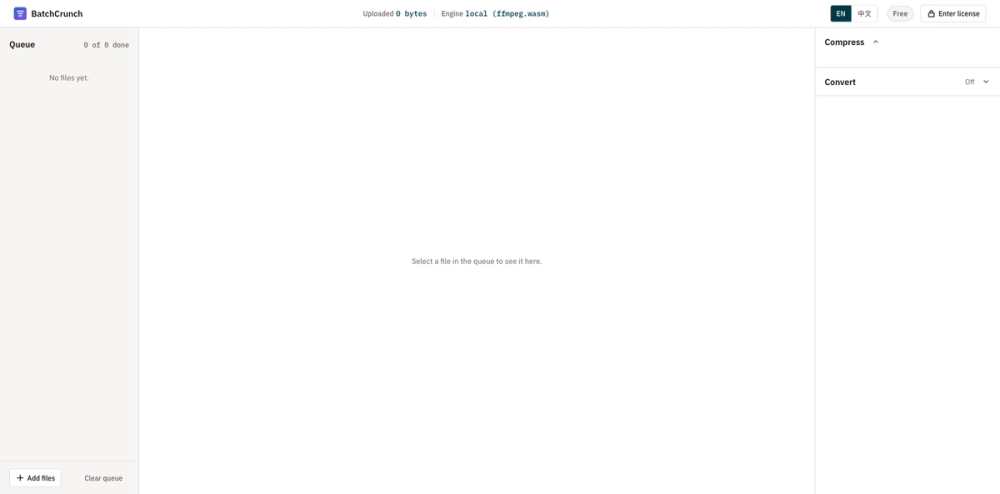
BatchCrunch is a free, browser-based batch media processor. Compress, convert, resize, crop and watermark video, audio and images in bulk, and the files never leave your device.
Powered by ffmpeg compiled to WebAssembly, BatchCrunch runs entirely on your own CPU. Nothing is uploaded to a server, which means there is no upload size limit and no queue to wait in. It even keeps working offline after the first load.
Built for folders, not files:
- Drop a whole folder and set one recipe per media type
- Every file gets its own progress bar and a size estimate before it starts
- Failed files get a one-click retry instead of redoing the whole batch
What you can do:
- Video: compress, convert (MP4, WebM, MKV, MOV, GIF), resize, crop, trim, watermark
- Audio: compress, convert (MP3, WAV, FLAC, AAC), normalize volume
- Images: compress, convert (PNG, JPG, WebP, AVIF), resize, crop, watermark
BatchCrunch is great for video creators compressing a week of exports, ecommerce teams resizing and watermarking product photos to one spec, and developers shrinking screen recordings. One payment of $19 unlocks unlimited processing forever, with no subscription. Nothing to install; it runs on any device with a modern browser.